

My Store
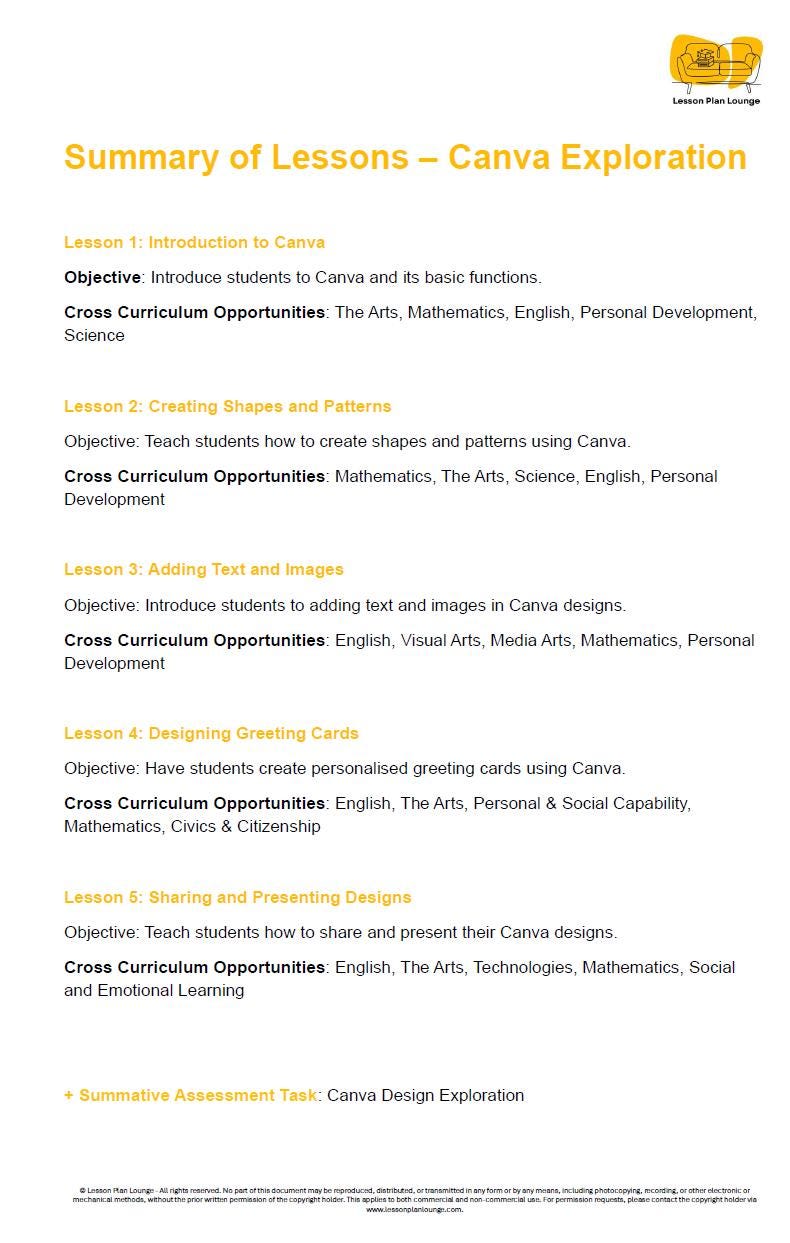
Introduction to CANVA: 5 Lesson Plans + 1 Summative Assessment Task (Kindergarten to Year 2)
Introduction to CANVA: 5 Lesson Plans + 1 Summative Assessment Task (Kindergarten to Year 2)
Couldn't load pickup availability
Tired of complex software and frustrated little fingers? Transform your Kindergarten to Year 2 Digital Technologies lessons with this complete, kid-friendly unit that brings "Digital Creativity" to your classroom!
Step into the world of "Little Designers," a comprehensive Digital Technologies unit designed to save you time and deeply engage your early learners. This unit focuses on building a strong foundation in Digital Literacy and Visual Arts, blending the technical skills of "Mouse and Touchpad Control" with the creative joy of "Graphic Design," while connecting to essential fine motor and navigation skills.
Packed with step-by-step guides, drag-and-drop activities and creative challenges, this unit will transform your classroom into a dynamic design studio where students don't just consume media, they create it as Digital Artists, Storytellers and Tech Whizzes.
What's Inside?
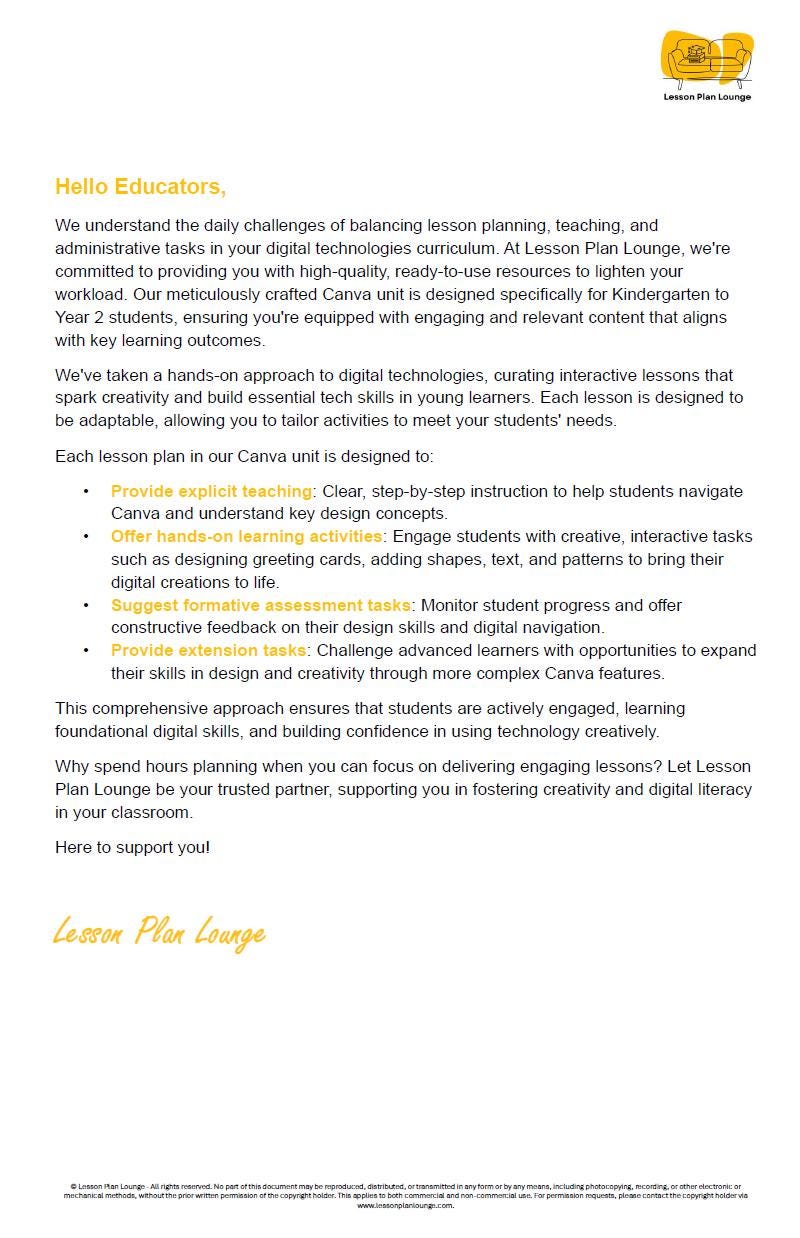
This comprehensive unit is meticulously planned to help you teach tech skills with confidence. You will find:
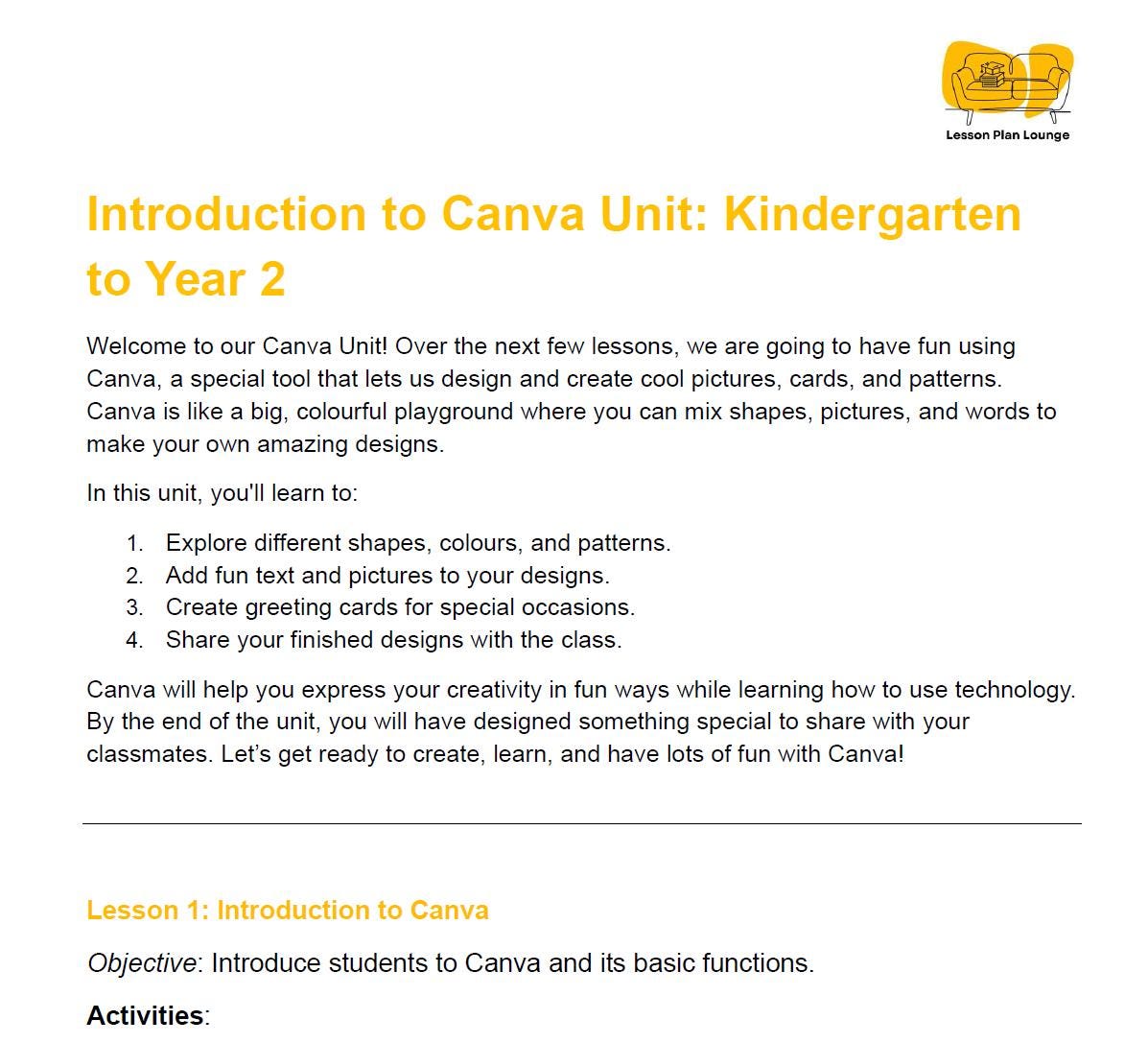
- Engaging Lesson Plans: Guide your students through the basics of design software, from mastering the 'Canva Interface' and understanding 'Drag and Drop', to exploring 'Shapes and Patterns', adding 'Text and Fonts' and creating their very own 'Greeting Cards' and 'Posters'.
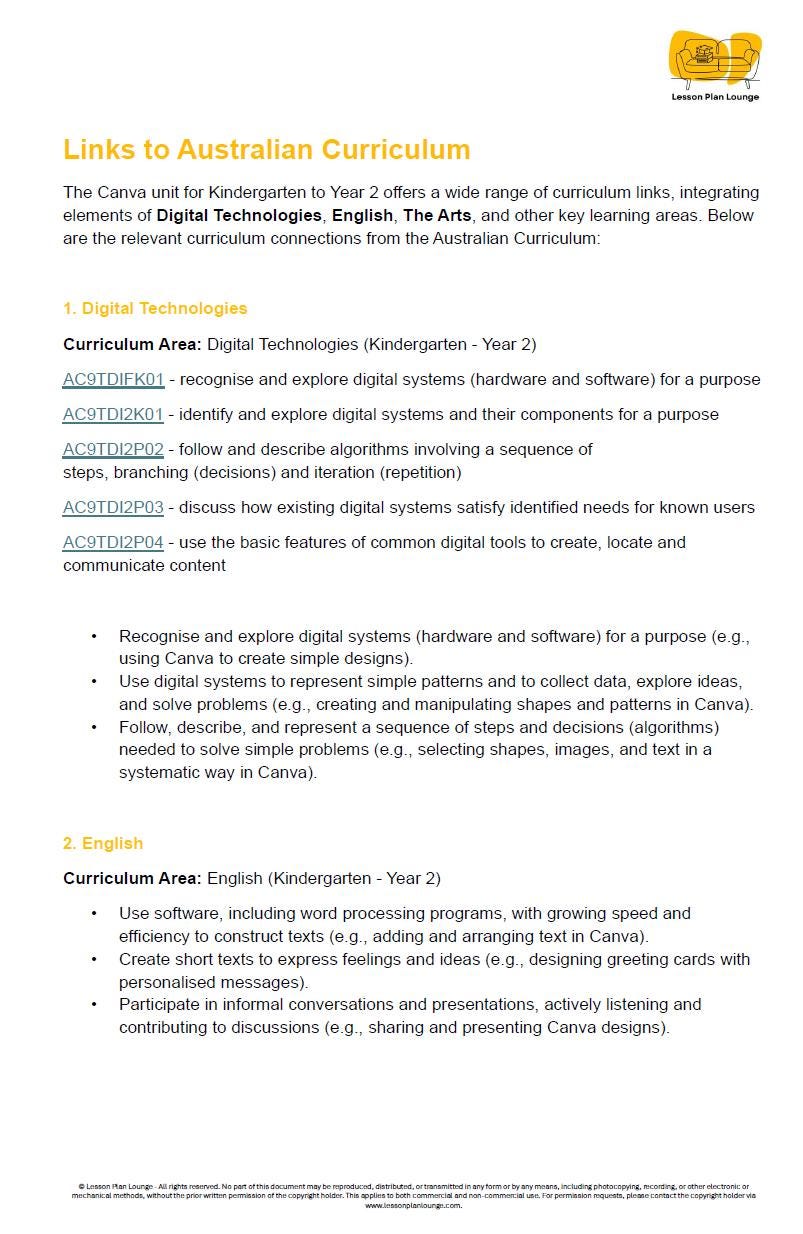
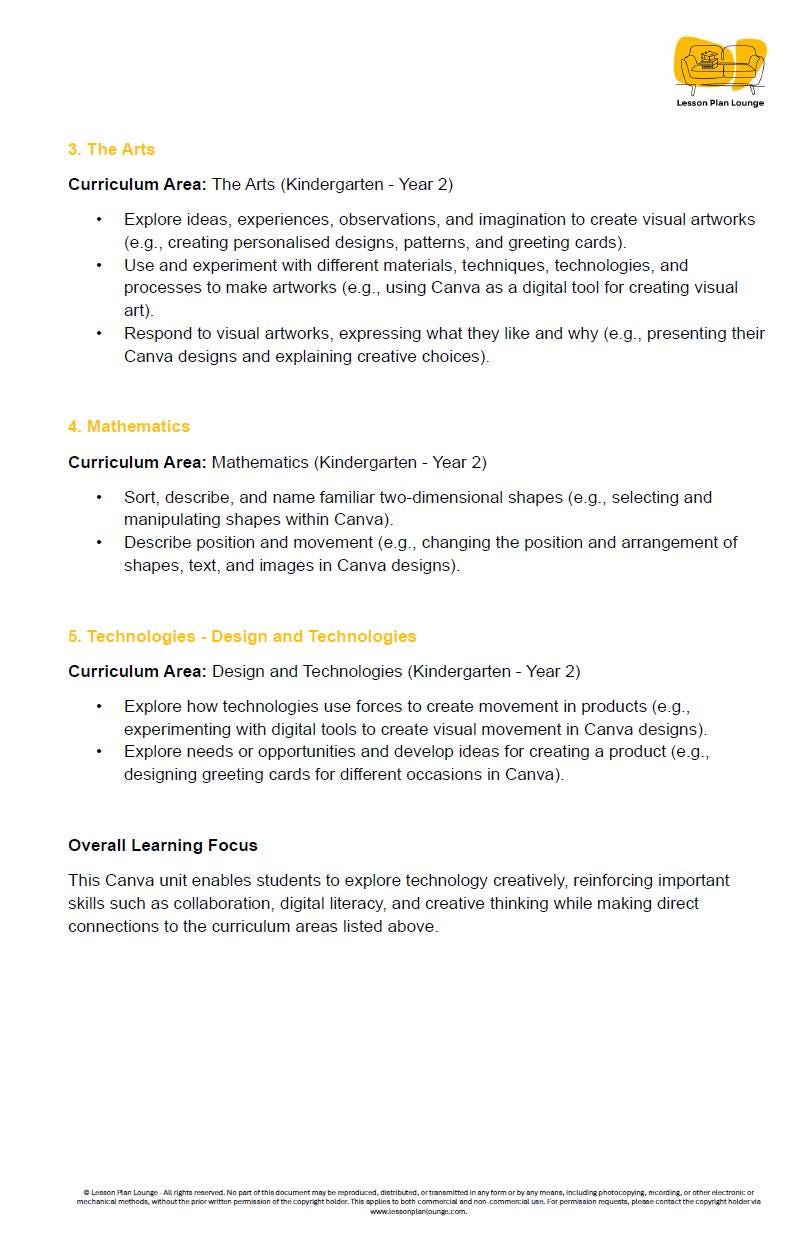
- Curriculum Aligned: This unit is aligned with the Kindergarten to Year 2 Digital Technologies curriculum. It covers key concepts including Digital Systems, Data Representation (images and text) and Creating Digital Solutions.
- Hands-On & Experiential Learning: Foster genuine engagement with interactive tasks that yield immediate visual results. Imagine your students designing a 'Digital Birthday Card', creating a 'Shape Monster', or engaging in 'Pattern Making' to learn software tools in a fun, low-pressure environment.
- Built-in Assessment & Differentiation: Effortlessly monitor student progress through natural observation opportunities embedded in each activity. Provide 'Simplified Templates' for students needing support, while challenging advanced learners with 'Animations' and 'Multi-page Portfolios'.
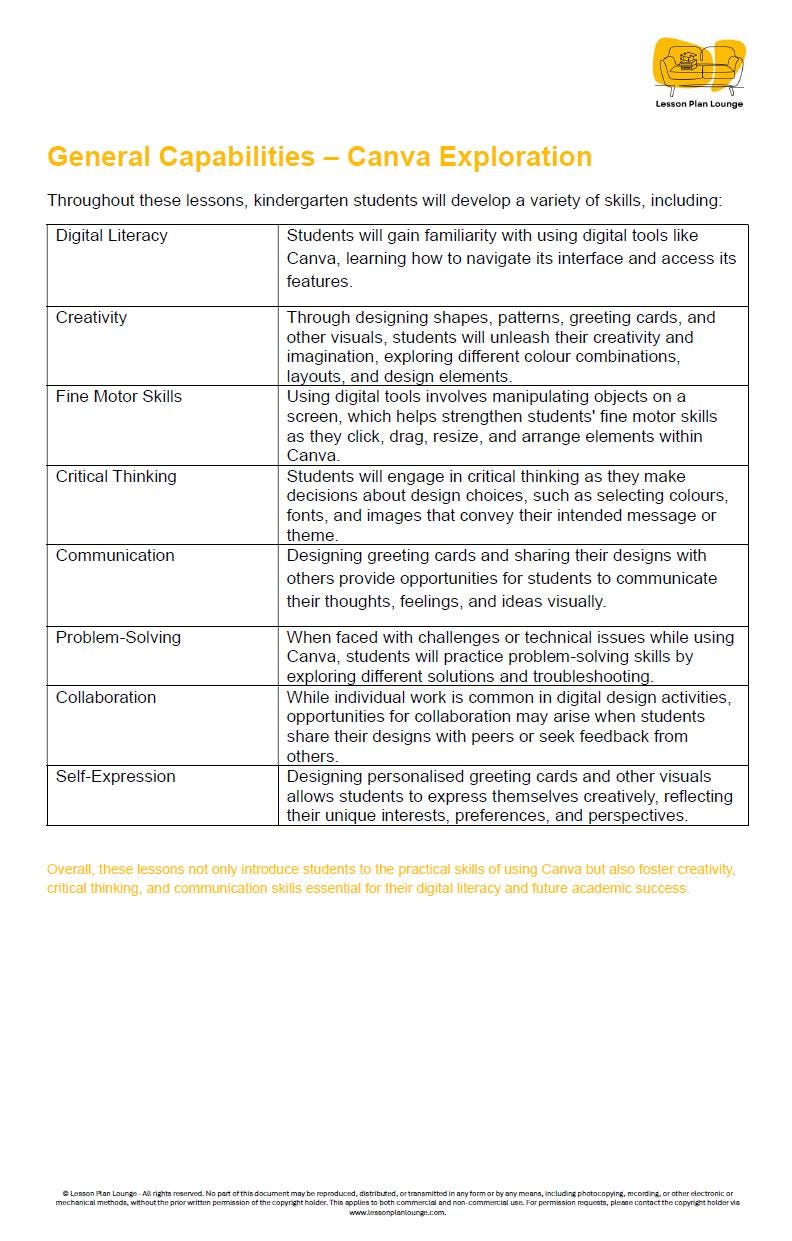
- Foundational Skills Connections: Expose students to essential digital skills by weaving technology into art and literacy. Connect activities to the skills needed for Visual Communication, Media Arts and ICT Capability.
Summative Assessment Task:
Conclude the unit with the creative "My Digital Portfolio" or "Classroom Celebration Card" project, where students combine text, shapes and images to create a polished digital product to share with their family or friends.
Cover Your Term of Digital Technologies!
This unit is designed to introduce your youngest students to the world of design. Provide your students with high-quality, scaffolded lessons that bridge the gap between scribbling on paper and designing on a screen. Stop the endless search for age-appropriate tech tools and reclaim your time.
Download "Little Designers" today and empower your K-2 students with the digital confidence they need to create!
Share